Every screen at once.
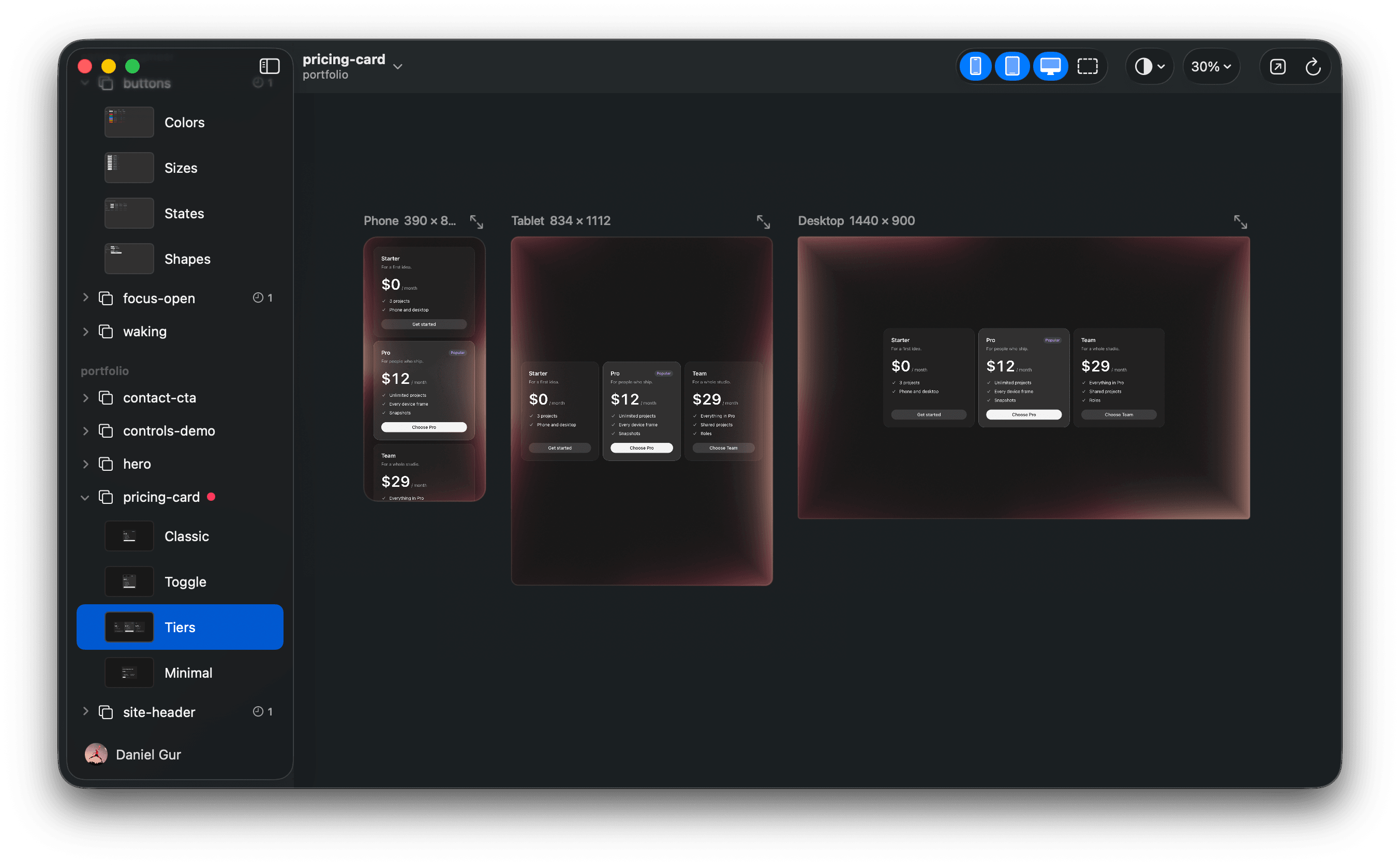
Each take on phone, tablet and desktop, side by side.
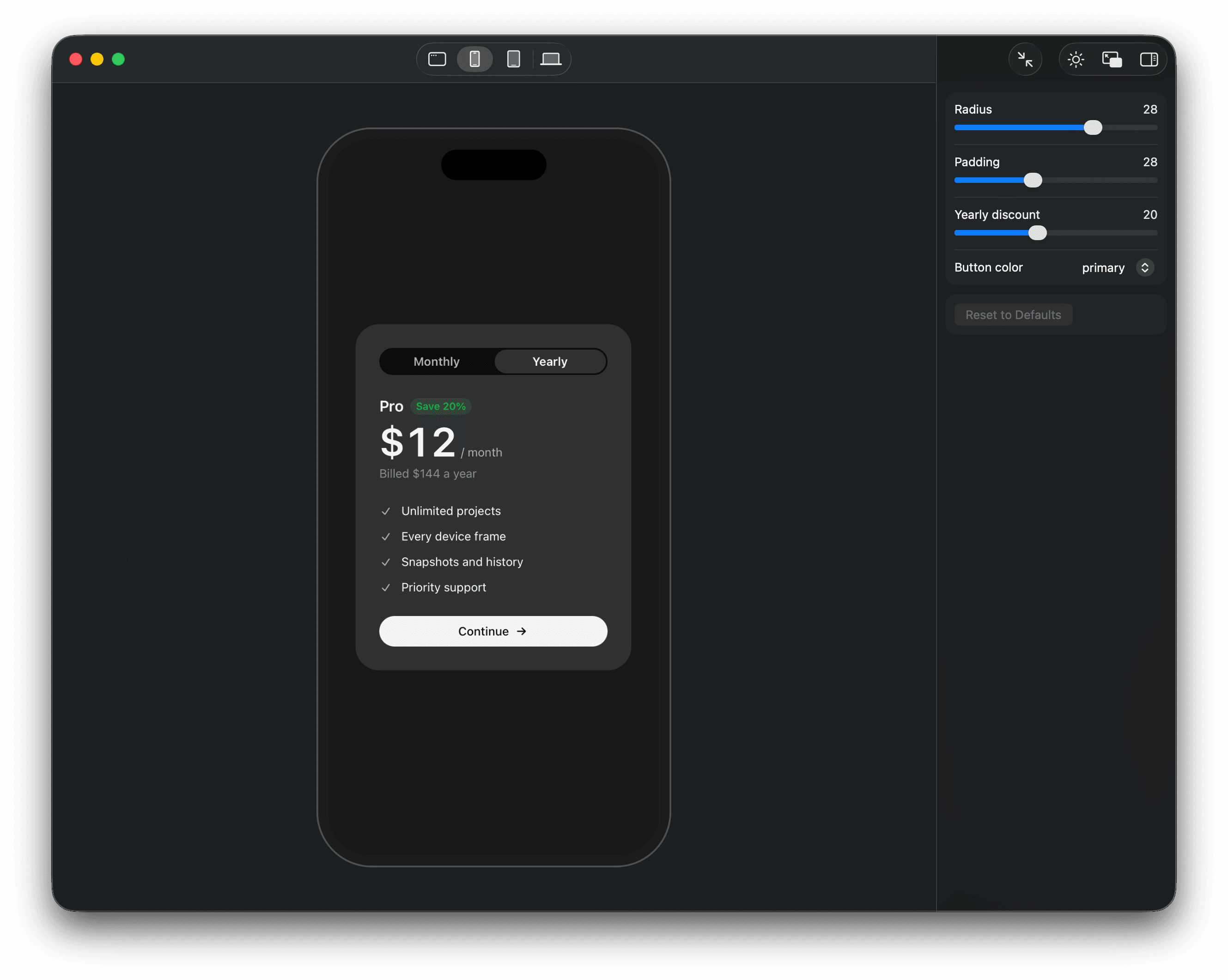
Ask Claude for a few takes on a screen, and see each one on phone, tablet and desktop.
Free · 0.7.2, Sep 30 · Apple silicon · Claude Code · Next.js or Vite
Each take on phone, tablet and desktop, side by side.
Prototypes import your components, tokens and styles.
import { Button, Card } from "@/design-system"

export default function Pricing() {
  return (
    <Card>
      <Button size="lg">Start free</Button>
    </Card>
  );
}Drag a slider, and Claude writes the value into the code.
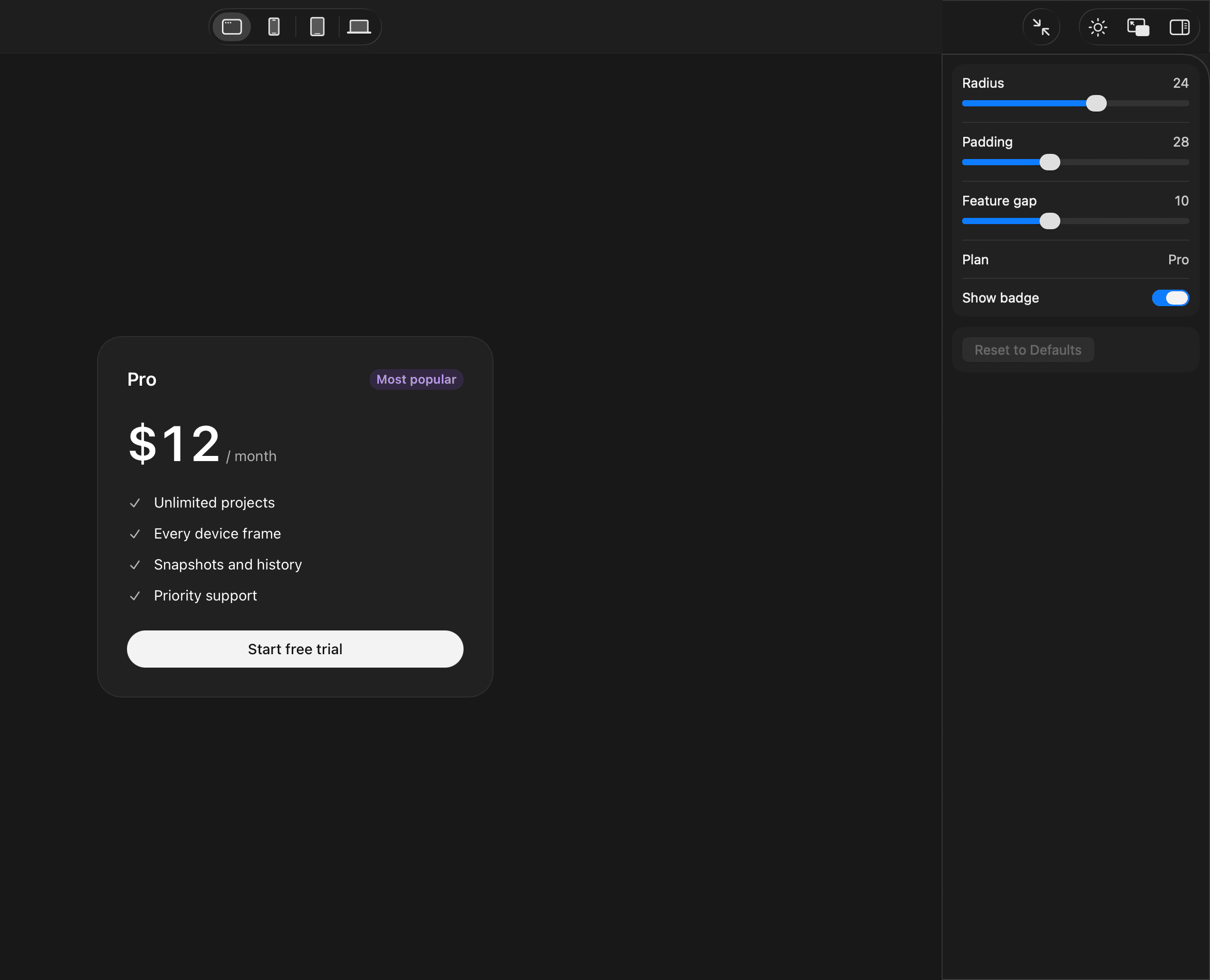
A soft light marks the frame Claude is working on.
It connects itself to Claude Code.
Prototype a few takes on the pricing card.
Say what to change, and keep the winner.
Yes. Sneak Peek is free to download and use. Claude Code runs on your own Claude plan, as it always does.
No. Prototypes live on your Mac and import components straight from your repo. Sneak Peek never uploads your code.
No. Prototypes live outside your project, in the app's own folder. Nothing in your repo changes unless you ask Claude to build the winner into it.
React web projects on Next.js or Vite, with or without Tailwind. React Native is not supported yet.
A Mac with Apple silicon on macOS 14 or later, and Claude Code. Google Chrome helps Claude take screenshots of your prototypes when the app is closed.
So I know who is using it and can reach you about it. Sign in with GitHub or Google. Sharing usage is optional, and you can turn it off in Settings. Read the privacy page